How many megapixels do you actually need?
This is a big worry for anyone using or looking at older digital cameras. However, megapixels may not be the issue you think it is

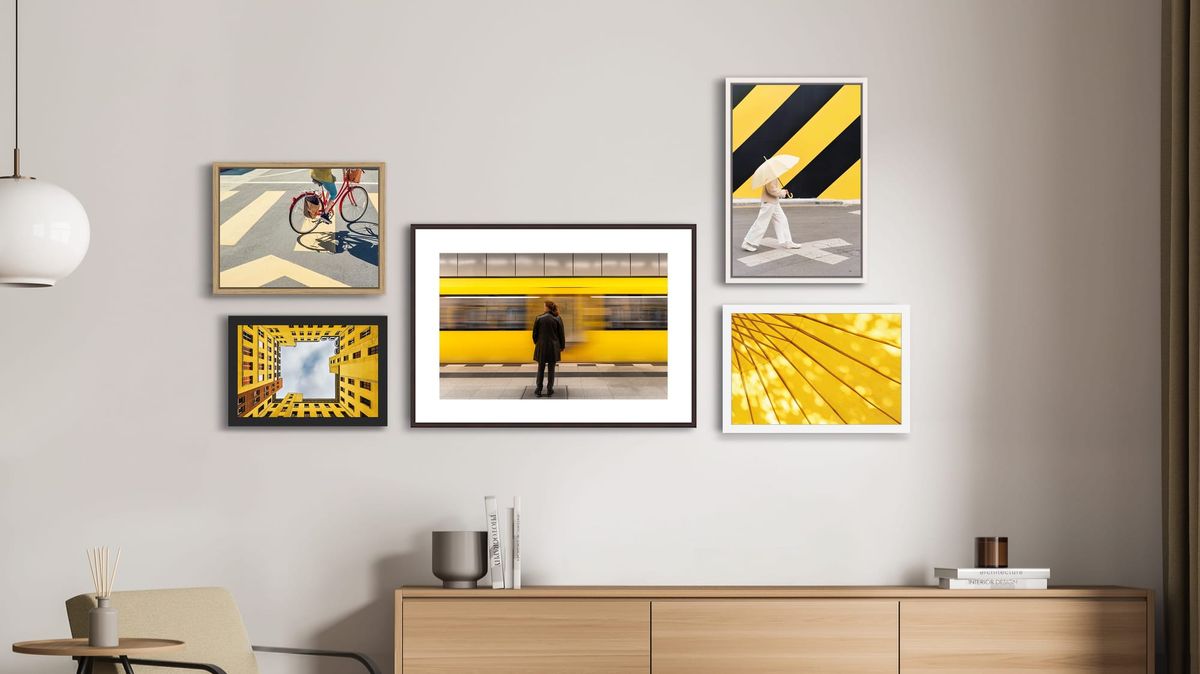
Megapixels have always dominated any discussions about digital cameras. Fair enough, back in the days when we were using cameras of 4, 5 or 6 megapixels, there were pretty obvious limits to how far you could blow a picture up.
But the question is, do we ever reach a point where we have 'enough' megapixels or do we need to keep driving on with more and more? And if there is a point where cameras have enough resolution, is that a modern thing or did that happen years ago?
(Spoiler alert: it happened years ago.)
So maybe the thing do is calculate precisely how many megapixels are needed for all the different ways we can display our pictures.
Of course, photo editors let us zoom in as far as we want to go, so we will always be able reach a point where the resolution runs out, so we're always going to want more. That's human nature. But let's try to separate this insatiable appetite from actual practicality. We have to stop somewhere – but where?
How many megapixels do you need for digital display?
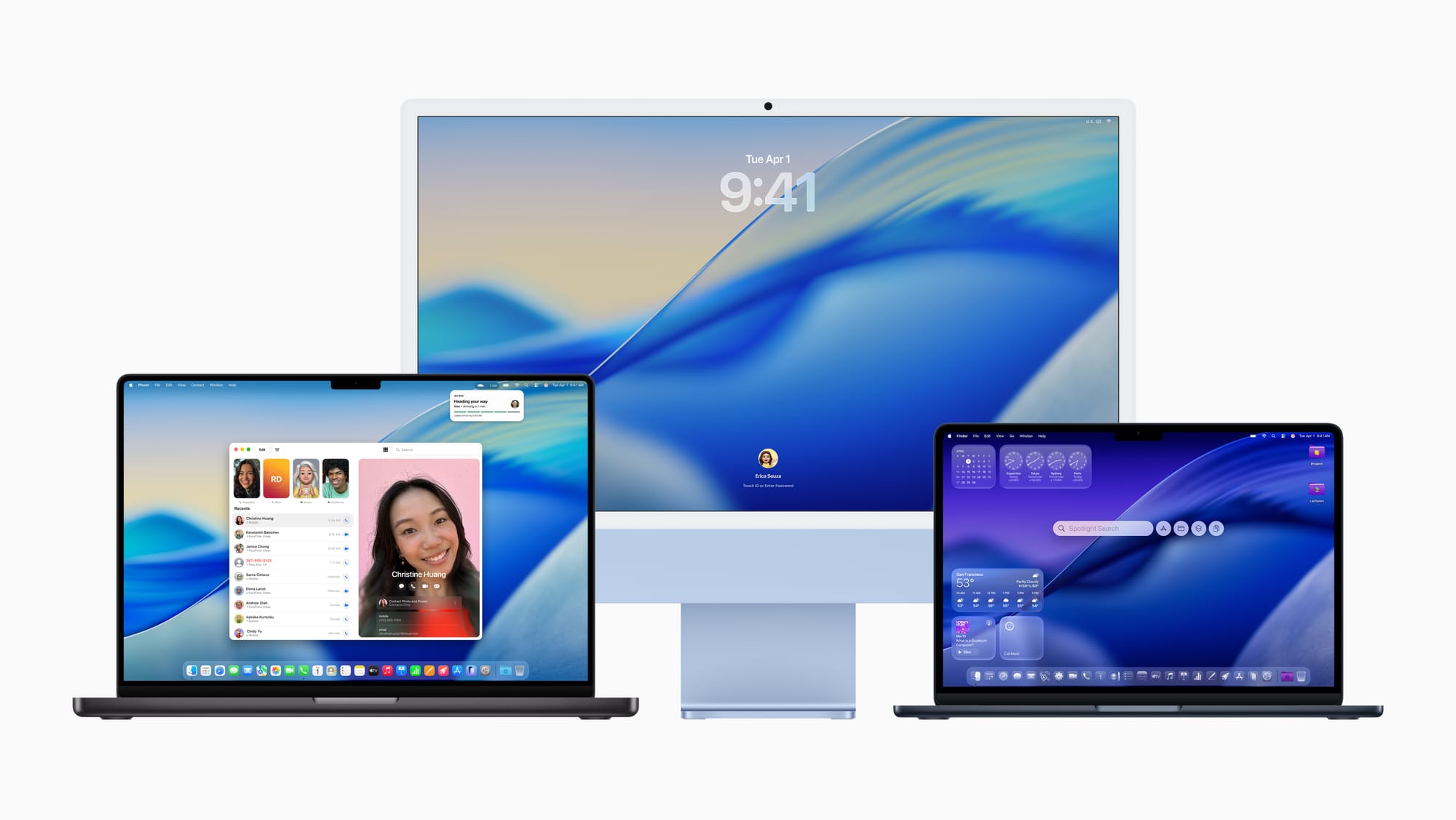
Let's be honest, this is how most of us share our pictures. You can even shoot professionally and never print a single image if your photographs are published on websites, in ebooks, used in digital ad or influencer campaigns, shared on social media or viewed on mobile devices.
So let's take the most extreme case – your images need to be displayed full-screen on a 4K monitor without upscaling or interpolation. You can get higher-resolution monitors than this – Apple makes 5K displays, for example – but 4K seems a sensible general maximum.
'4K' typically refers to '4K UHD', if we're going to be technical, and it has a specific resolution of 3840 x 2160 pixels So as long as your digital camera can achieve a horizontal resolution of 3840 pixels it can fill the full width of a 4K screen. We won't worry about the vertical height because 4K UHD has a wide 16:9 ratio where almost all digital cameras have a 'taller' 3:2 or 4:3 aspect ratio. If the camera's sensor can achieve the horizontal 3840 pixel resolution, it will end up being cropped at the top and bottom edge anyway.
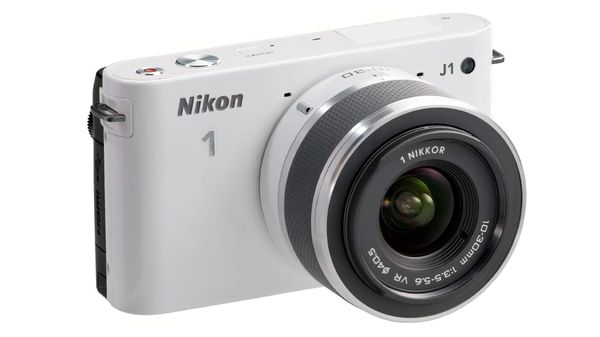
So how do we relate this to megapixels? We just look at the camera's image dimensions in the specs. It turns out that even a 10MP sensor hits this resolution, so that even something as ancient as a Nikon 1 generation 1, or an Olympus XZ-1, both launched way back in 2011, can fill a 4K screen.
If your images are being displayed within a web page rather than full screen, or being viewed on a digital device, you need a lot less. The top-tier iPad Pro 13-inch has a screen resolution of 2752 x 2064, or around 5.3 megapixels, while the iPhone 18 Pro Max screen has a resolution of 2868 × 1320 pixels, or around 3.8 megapixels.
Obviously this is just a guide, since these two devices (and all the others on the market) will have different aspect ratios, so your images may need to fill the long edge or the short edge, but it's a good guide nonetheless.
So the bottom line is, for digital publishing, sharing or displaying, 10-12MP is fine,
(Of course, you can get into all sorts of arguments about cropping your photos or downsampling higher-resolution images for better quality, but if we get dragged into that we'll never get anywhere.)
How many megapixels do you need for prints?
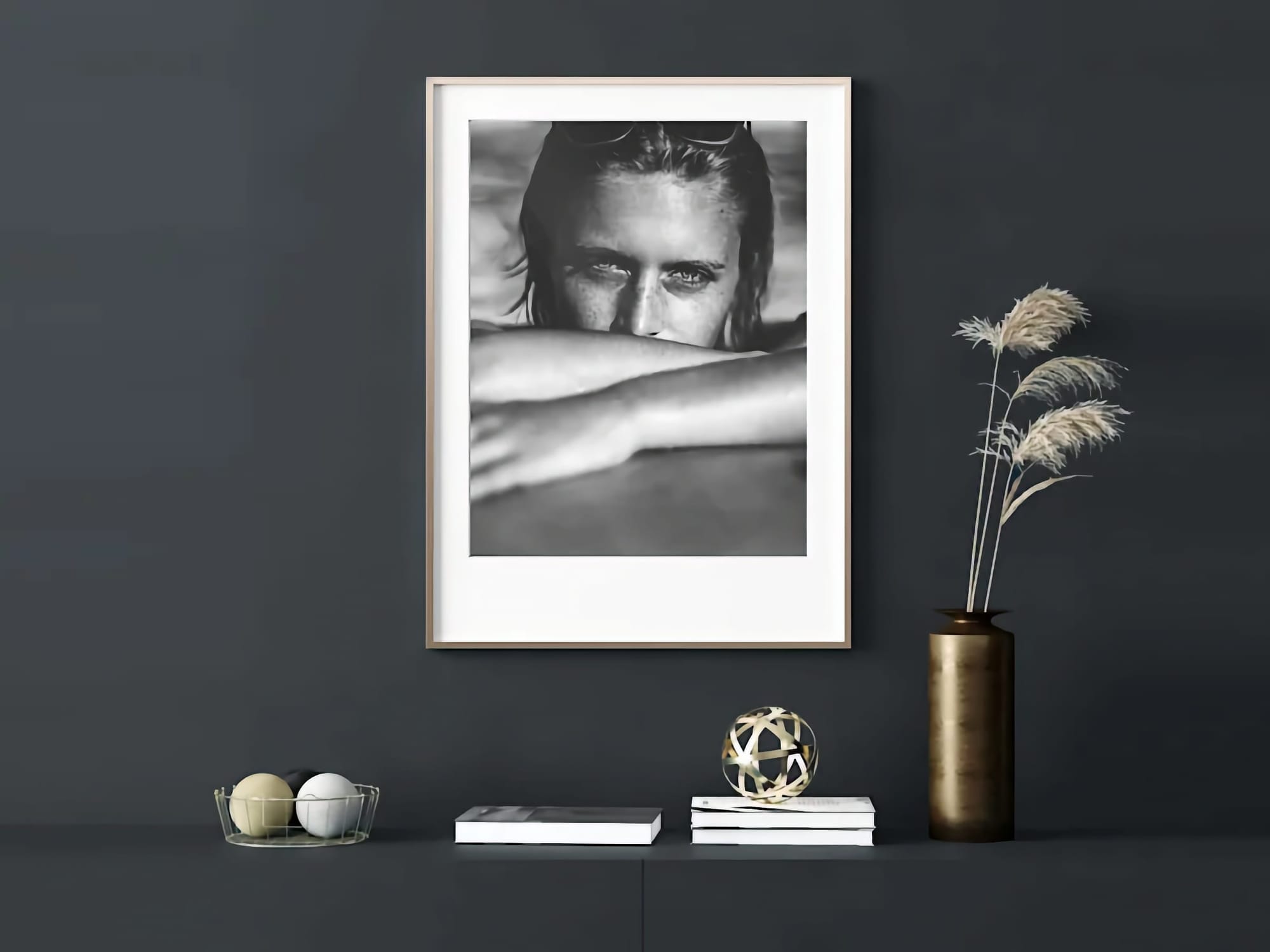
The usual advice when printing photos is that you need a print resolution of 300dpi to get top quality. You can use this to work backwards to find out how big a print you can make from cameras with different resolutions.
Let's take an older camera with a 10MP sensor, like the Nikon 1 J1. This camera produces images measuring 3872 x 2592 pixels. If we divide those dimensions by 300, we get a maximum print size of 12.9in x 8.64in. That's not bad, is it?
What about the Fujifilm X30, a now-legendary compact camera but with only 12MP? Its images measure 4000 x 3000 pixels, equating to a print size of 13.3in x 10.0in. That's bigger than most home printers will go,
If you have a 12MP DSLR like the Nikon D700, the aspect ratio of the sensor is slightly different, with an image size of 4,256 × 2,832, which works out at a maximum 300dpi print size of 14.2in x 9.44in.
So how does this compare with modern cameras? People complain about the 'low' 20MP resolution of OM System Micro Four Thirds cameras, but this will still yield a print measuring 17.3in x 12.9in, which is pretty large.
Or how about a 24MP full frame mirrorless camera? These deliver images of around 6000 x 4000 pixels and a potential print size of 20in x 13.3in.
Still not big enough? You could get a 66MP Sony A7R VI, which will give you prints measuring 33.3in x 22.2in at 300dpi, or a Hasselblad XD2 II 100C for prints up to 38.9in x 29.1in.
Now we're talking, right? But wait...
Why this insistence on 300dpi prints is nonsense
Well, it's not 'complete' nonsense. It makes sense for small or mid-size prints that you might hand around, or which people might go right up to in order to examine the details.
But it breaks down for bigger enlargements – and the bigger the enlargement the more it breaks down. Why? Because the whole point of big prints is so that you can look at them from further way. There will always be a few people who will want to go up with a hand magnifier, but mostly large-scale prints are used in large-scale environments and viewed at larger distances. Here, the bigger the print, the less resolution, in terms of printer dpi, you actually need.
Smaller prints have smaller viewing distances, larger prints have larger viewing distances. That's how it tends to work.
There's another factor too, and that's the increasing effectiveness of 'upscaling' software like ON1 Resize, which uses AI to enhance detail and textures in images as it enlarges them. If you have a 12MP image but you want to print it big but you're worried how it will look under close inspection, you can run it through ON1 Resize first, or Adobe's AI upscaling process first. These AI tools really do make a difference.
So how many megapixels is enough?
Hopefully this article has given you some ideas. Even a 10-12MP camera from 15 years ago has enough resolution for any kind of digital display and regular-sized prints, while if you need bigger enlargements for wall hanging or exhibition, then 20-24MP could be the ideal sweet spot. For maximum detail at large sizes, 50-60MP could be what you need, or 102MP medium format – but beware the 300dpi 'rule'. Very rarely do you actually need 300dpi for large prints.